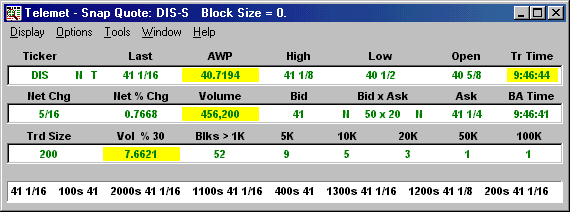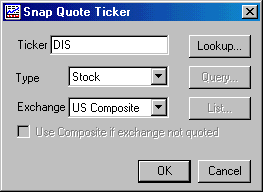
Œ Choose Display / Snap Quote… from any eTelemet window to display a Snap Quote. You see a dialogue box in which you can type in the ticker symbol for a stock or index of your choice. If you enter an index be sure to change the Type field to display the word Index.
Or
From any eTelemet display press the F5 HotKey.
To obtain a Snap Quote on a different ticker symbol, simply type the new ticker symbol on your keyboard. You see the dialogue box automatically appear placing the new ticker symbol in the ticker field.
Ž Double left click on the capital T to the right of the ticker symbol to see Time & Sale information for that particular ticker symbol. Double left click on the N to view Snap News on the related ticker symbol.
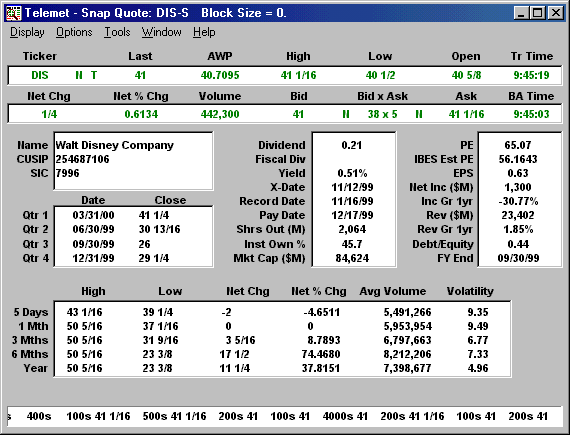
Choose Options / Stock - Short View to see a Snap Quote Short View. Notice that the line of information at the bottom of the window contains useful trading information.